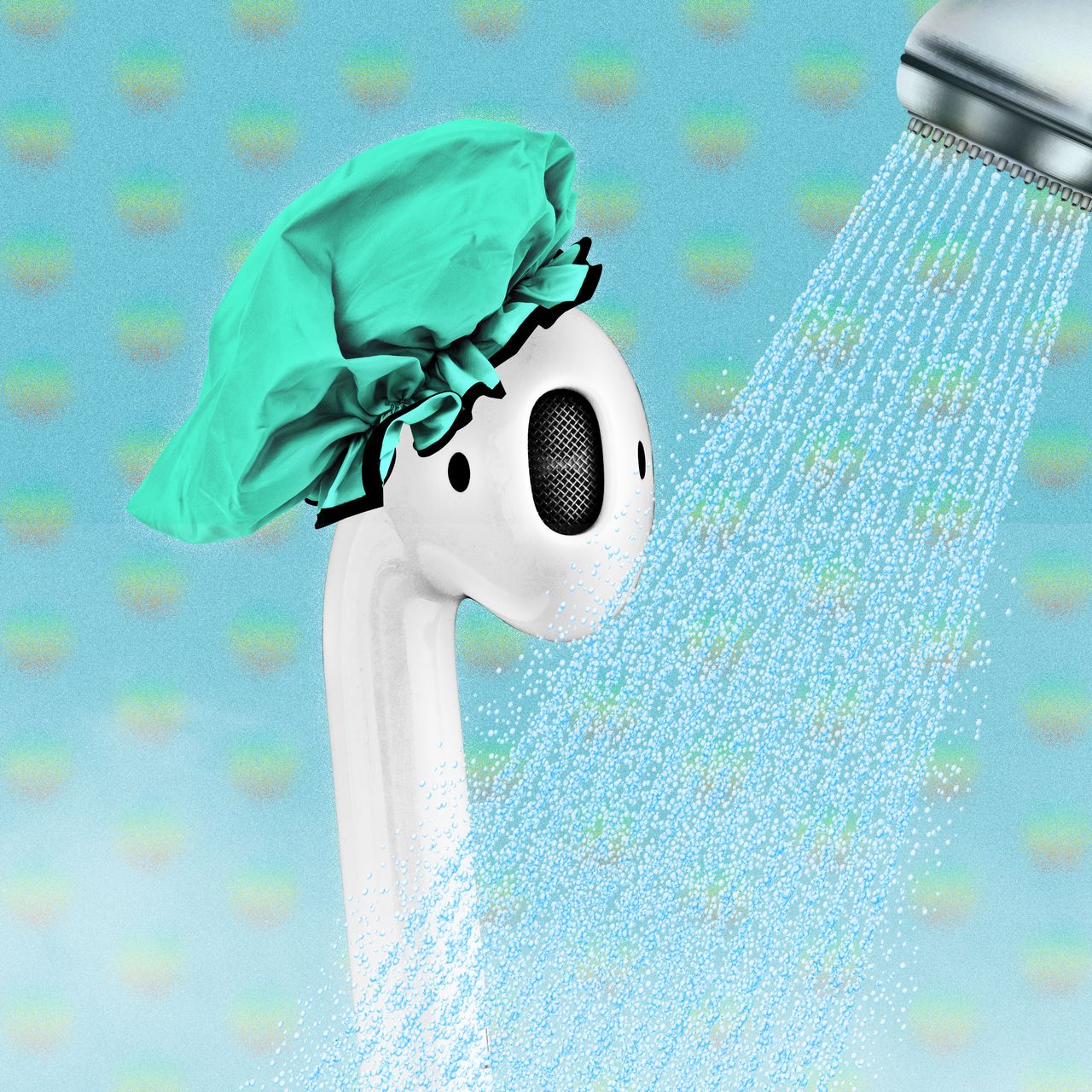
An electronic device in the running water. If you are one of those people who loves music and wants to listen to music all they long you might wonder if you can use your AirPods in the running water.
Read the article below to find out if you can.
AirPods in the shower
Can you Wear AirPods in the Shower? – Will it Harm Them?
NO, you can’t. Apple strongly advises not to expose your AirPods to running water. Even though Apple AirPods are water-resistant, they are not waterproof. That means they won’t suffer significant damage from light water contact, but they will unlikely survive running water in the shower.
1. Are AirPods Waterproof?
No. Apple AirPods are notwaterproof. However, they are water and sweat–resistant. That means they won’t suffer from soft water or sweat contact, for example, during running or working out, but they won’t survive the stay in your washingmachine or shower.
AirPods water-resistance
Light Contact With Water
If you have had a rainy walk, don’t be scared – your AirPods will make it. The same applies to those people who are sweating hard while working out. Not a problem.
Apple designed AirPods or AirPods Pro in a way to get wet and to resist that often. You wear them on your head, exposing them to the elements. They have been designed for use while doing sports as well.
A little moisture will not damage them; however, they won’t survive 15 minutes in the shower.
Fully Under the Water
If your Apple AirPods submerged for just a few seconds, you might be in trouble, and the same applies to runningwater.
Apple did not design AirPods to go under the water, so it might severelydamagethem, if not permanently.
When water gets inside your earbuds or charging case, it is over, most probably. Drying your AirPods can only do a little as submerged AirPods will short circuit and might not be working entirely or losesome of the functionalities afterward.
If your AirPods dropped into the water or were worn in the shower, get them out as soon as possible – time is the key. The faster you act, the better your chances of saving them.
When you’ve reacted in lessthan10seconds, you should be fine and able to save your AirPods. However, anything above 15 seconds will have a catastrophicresult.
Although I emphasized that enough, I will do it again: don’t ever put your AirPods into the water or washing machine, don’t use your AirPods in the shower, nor clean them with water.
2. How to Dry AirPods Once they are Used in the Shower
The task is straightforward: Dry them!
Drying your AirPods is similar to drying your phone a lot, but using a bowl of rice might have a negative result.
Even though it couldhelp you dryout your AirPods, small grainsmightgetintoyourAirPods which could harm them even more than they were before. And so leave that bowl of rice for your tomorrow’s lunch.
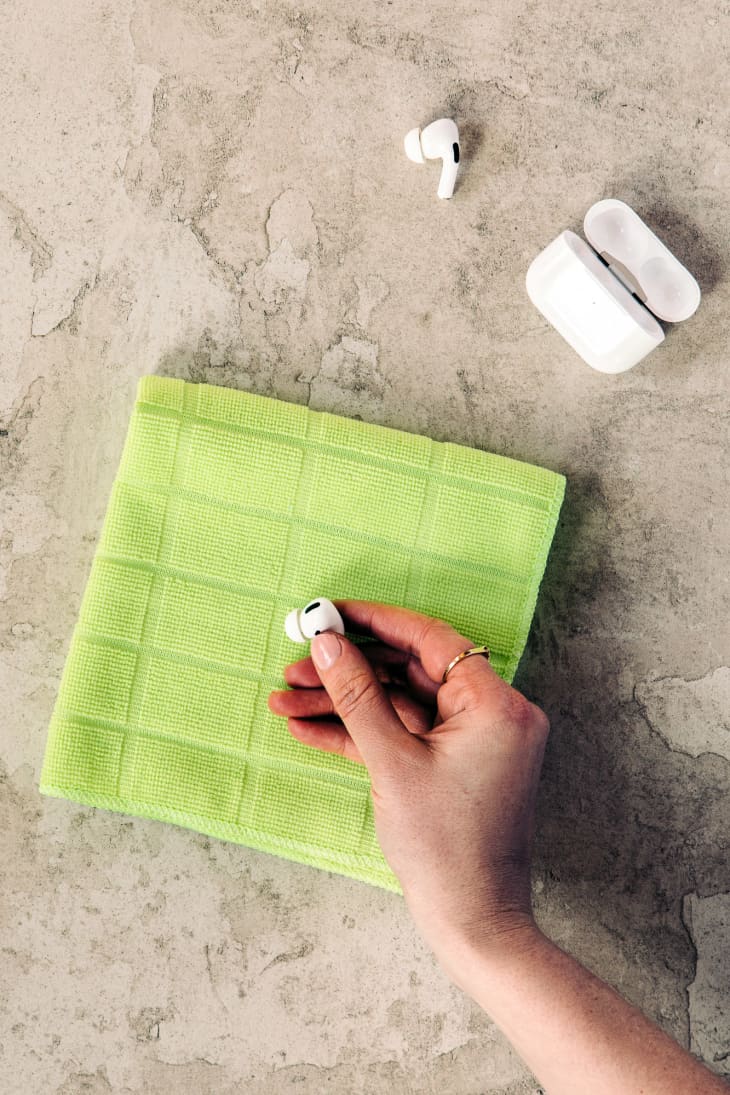
Followthesesteps to dryout your AirPods:
Get some microfiber cloth
Wipe your earbuds precisely
Wipe the charging case
Put themall upside down on the cloth whilethe charging case hastobe face down and opened
Drying of AirPods
I recommend you wait 4 hours to let the AirPods dry entirely. Wait a bit longer if your AirPods were submergedlongerthan15seconds.
You can also use a bamboo charcoal packet, if you have any by your side, to put next to the AirPods. These small packets are great when soaking moisture from the AirPods and can have a small impact on your AirPods as they dry.
Even though their role is different, they will do a great job while soaking moisture.
3. Use air Waves to Eject Water from your AirPods
Anotheroption to help here is to ejectwaterfrom your AirPods using airwaves. This step is very similarto the feature of the AppleWatch to releasewater from the device.
Connect your AirPods to any device, for example, iPhone, and play music and turn the volume up. Don’t put them into your ears.
Download the SiriShortcuts application and install it on your iPhone. Then, coverallthesensors on your AirPods and activate the WaterEjectshortcut.
You will feel your AirPodsvibrating, and the watershouldslowlystarttogetout. Feel free to repeat this step as many times as you need.
The bad news is that if your AirPods dryout and the Water Eject shortcut doesn’t do your AirPods work, you’ll have just one option – replace your AirPods.
4. Does Apple Care+ Cover Water Damage?
I bet you’ve already heard of Apple Care+ – an extendedwarranty from Apple.
Apple Care+
Of course, it covers more than just an additional one-year warranty. In addition, the service is available for an additional fee when you first buy your AirPods.
Apple Care+ covers many things, and accidentaldamage (water damage, heat, etc.) is one of them. However, this coverage is only acceptedonceayear. So if you are unlucky and got your AirPods wet twice in 12 months, you are out.
With an Apple Care+, you can get your AirPods replaced quickly. Of course, there is an additional servicefee of 29$, but it’s just incrediblecompared to the original price of AirPods. Isn’t it?
5. Does the Standard Apple Warranty Covers Water Damage?
There is a simple answer, NO. Standard Apple warrantydoesnotcoveraccidentaldamage to your AirPods (or any other device).
A standardwarrantycovers only problems that are the faultofApple or any retailer you bought the device from, for example, a broken charging case out of the box.
Your only option to cover your AirPods, or any other devices, from accidentaldamageApple Care+, is the answer.
6. Replace your AirPods
Now, let’s face the truth that if none of the steps above helped you to fix the issue, you have a problem, and your AirPods broke utterly, meaning you might need to replacethem.
In mid-September 2022, Applereleased2nd generation of Apple AirPods Pro and 3rd generation of AirPods back in October 2021.
As you know, new releases always bring some new features, like in this case:
Sweat and waterresistance improvement
Spatialaudio – theater-like sound
Longerbatterylife
Wirelesscharging (for the standard model, already in place for the Pro model)
Smallerredesigned earbuds
AdaptiveEQ – feature which tunes the music to your ear’s shape using the sensors
All of the features above are worth investing in the new AirPods model. In addition, the new model release brings new features or improvements, and this case when you used your AirPods in the shower, might be an excellent excuse to buy the new model.
Also, with the new model release, the previous model gets cheaper, so it’s a more affordable option for you.
Just don’t use the new pair of AirPods in the showeragain.
How to Protect AirPods from Water Damage
We already gave you some advice on how to save your submergedAirPods. We are even better. Here are a few points on how to avoid water damage to your AirPods.
These three steps could help you extend the life of your AirPods and make it almost impossible to damage them by water.
1. Don’t Ever Use Your AirPods in the Shower
It should be clearalready, but let’s stress it out again: Do never use your AirPods in the shower.
As already stated above, AirPods are water–resistant, notwaterproof.
2. Check your Pockets Before Doing Laundry
I hope this step is alreadypart of your laundryroutine, no matter what.
You never know what might be forgotteninthepockets of the jeans from the last week – wallet, phone, money, AirPods.
You can easily avoid any issues by simply checking your pockets. Always.
3. Buy a Water-Resistant AirPods Case
This tip is especially for you if you live in an area with increased humidity.
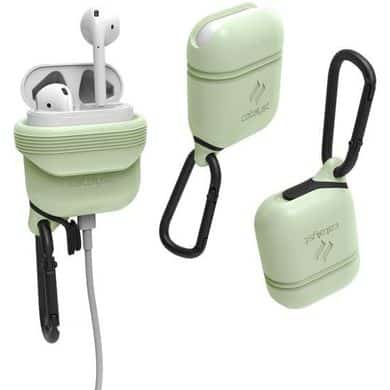
A fancy water-resistant AirPodscase will keepthemawayfrom all the moisture and keep your AirPods brand new for a long time.
There are a lotofvariants of AirPods cases which are cheap enough, and they also have the additional benefitofprotecting your AirPods fromphysicaldamage – drops to the floor, scratches, etc.
This gadget is an excellent fit if you are always watching your AirPods and are scaredofdropping them intowater or on a hardsurface.
AirPods water-resistant case
4. Clean your AirPods after Workouts
Cleaning your AirPods is the best advice to keep them serving you for a very long time. The sweat produced during working out can have a negative impact on your AirPods.
Invariably, afterworkingout, take your AirPods and wipebothearbuds and chargingcase to eliminate any remaining sweat.
You don’t have to do it precisely like in the case of dropping them off in the water since this is a preventiveaction only. However, make sure they are dry before putting them into the charging case.
Note: Apply the same process while using them in the rain.
To Sum Up …
You can face various accidents while using your AirPods, from dropping them on a hard surface to an accidental drop into the water or using AirPods in the shower. However, if you check all tips and guides on this page, there is a high chance you will resolve your problem with your submerged Apple AirPods.
Let’s start with the most crucial step after dropping them into the water or using AirPods in the shower, dry them precisely following the guide above.
When you are constantly worried while using your AirPods, it will help if you consider paying for the additional service of Apple Care+. Then, you can get a replacement for an additional fee of 29$ in case of accidental damage to your AirPods.
If your Apple AirPods are still facing an issue – and you followed all the steps on this page or in this article – you have only one option to replace your AirPods.